Priority Security Protocol
THINK BEFORE
YOU CLICK
Hackers don’t hack systems. They trick people.
Fake Email
You receive an email that looks real. It may look like it came from your company, bank, or Microsoft.
You Click
You click the link and open the page. It asks you to log in.
You Enter Your Password
The page looks real, so you enter your email and password.
Account Hacked
But it was a fake page. Now the hacker has your login details.
It Spreads
They log into your email and send messages to your contacts.
Fake Login Pages
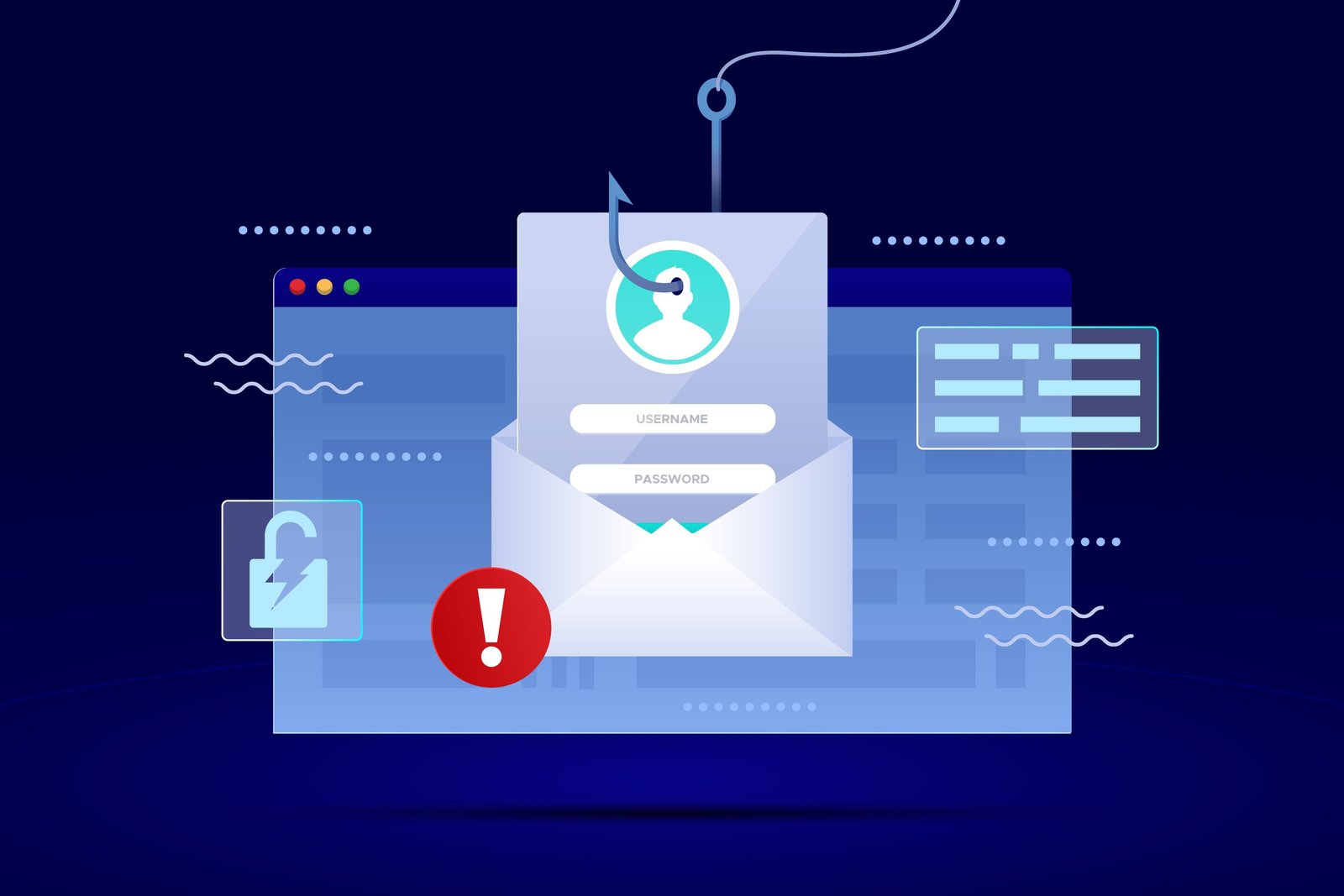
Hackers create websites that look exactly like real login pages. They may look like: Microsoft login, Gmail login, Company portal. But they are fake. When you enter your email and password on these pages, you are giving it directly to the hacker. Always check the website before logging in.

Check the URL
The address bar should show the exact official domain with a secure padlock.
Look For Glitches
Spelling errors, pixelated logos, and strange domains like '.net' instead of '.com'.
What Hackers Do Next
Read Emails
Once they get access, they don’t act immediately. They read your emails to find sensitive info.
See Contacts
They see who you talk to and understand your relationships to craft better tricks.
Understand Work
They wait quietly, understanding your work patterns to strike at the most vulnerable moment.
How they attack others
Now they use your email to trick others. They send messages like: 'Please check this file', 'Urgent – need your help', 'Click this link'. Since it comes from you, people trust it. They click. Then their accounts also get hacked.
Why this works:
Stay Safe
-
check
Don’t click links or files if you are not sure
-
check
Never enter your email and password on unknown websites
-
check
Always check the website address before logging in
-
check
Use strong passwords and don’t reuse them
-
check
Turn on 2-step verification (OTP)
-
check
If something feels strange, confirm with the person directly
Hackers don’t break systems.
They trick people.
Protect yourself, your teammates, and your company.